Not sure if Apple Fitness+ is worth it? Answer a few questions to see your potential annual savings or costs.
Complete the form to see recommendations.
Fill out the details on the left to calculate your true cost and get personalized advice.
| Service | Annual Cost | Key Feature | Best For |
|---|---|---|---|
| Apple Fitness+ | $79.99 | Real-time HR & Ring integration | Apple Watch owners who love data |
| Nike Training Club | $0 | High-quality guided workouts | Bodyweight training & beginners |
| FitOn | $0 | Celebrity trainers & social features | Variety seekers & community lovers |
| YouTube | $0 | Infinite library | Self-directed users |
You see the sleek interface of Apple Fitness+ on your iPhone screen. The trainers look energetic, the music is catchy, and the stats are addictive. But then you hit that paywall. "Subscribe now," it says. You pause. Do you really need to pay another monthly fee just to sweat in your living room?
The short answer is no, you don't need to pay forever. But the longer answer involves a specific hardware requirement, a tricky free trial window, and some clever workarounds. If you're wondering if you can get Apple Fitness for free, you're likely trying to figure out if the hype matches the price tag-or if there's a way to ride the wave without spending cash.
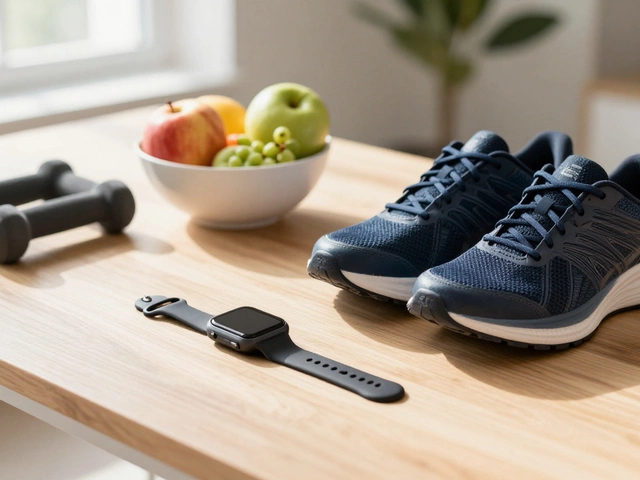
Before we talk about money, let's talk about gear. This is the biggest hurdle most people miss. Apple Fitness+ is not a standalone app like Peloton or Strava. It is deeply integrated into the Apple ecosystem. Specifically, it requires an Apple Watch.
You cannot sign up for the service, browse the library, or start a workout using just an iPhone or iPad. The app won't even let you create an account without a paired watch. This means if you don't own an Apple Watch (Series 3 or later), getting Apple Fitness "for free" isn't just about skipping the subscription; it's about buying a $200-$400 piece of hardware first.
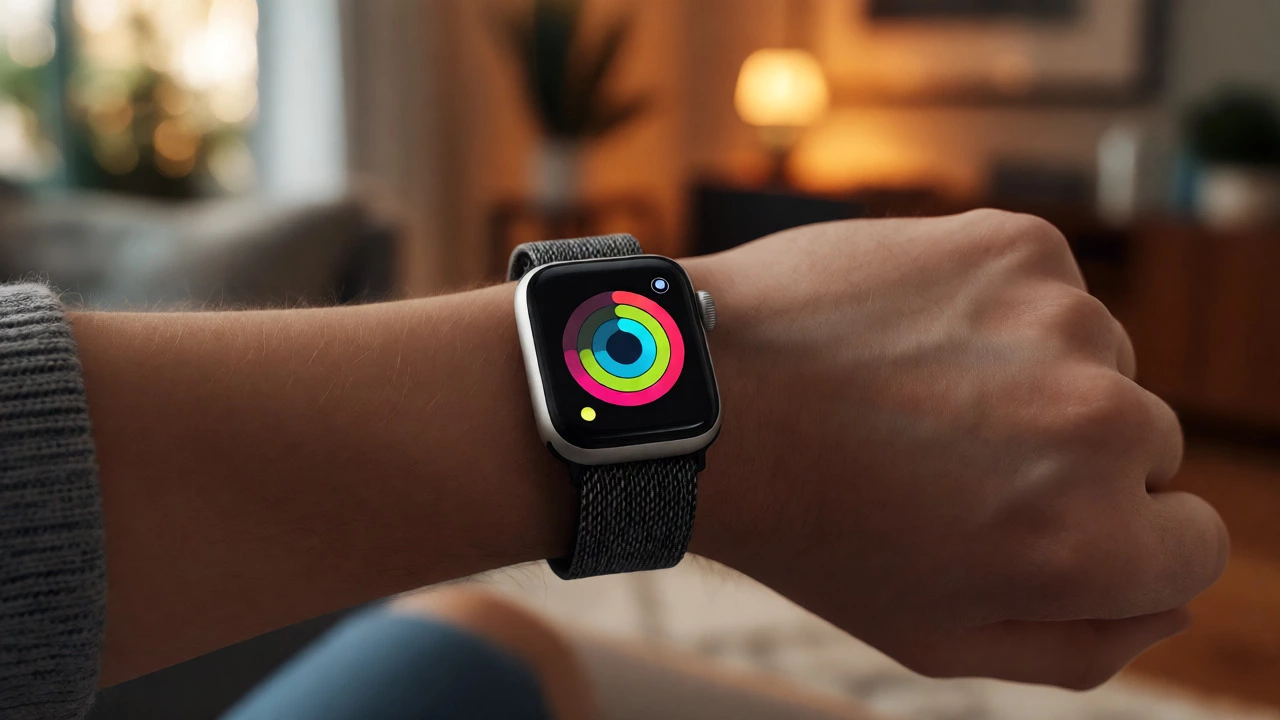
Once you have the watch, the software experience changes. Your heart rate data streams directly from the watch to the TV or phone during workouts. The rings close in real-time. It’s seamless, but it locks you into their ecosystem. If you’re an Android user or a Fitbit loyalist, this entire conversation might be moot because you physically can’t access the service.
If you already own an Apple Watch, here is how you actually get the service for free-at least temporarily. Apple rarely offers a permanent free tier. Instead, they use aggressive introductory trials to hook new users.
Be careful with the auto-renewal setting. Many users forget to cancel before the trial ends, waking up to a charge of $9.99/month (or $79.99/year). Set a calendar reminder for day 28 of your trial. It’s annoying, but it saves you money.
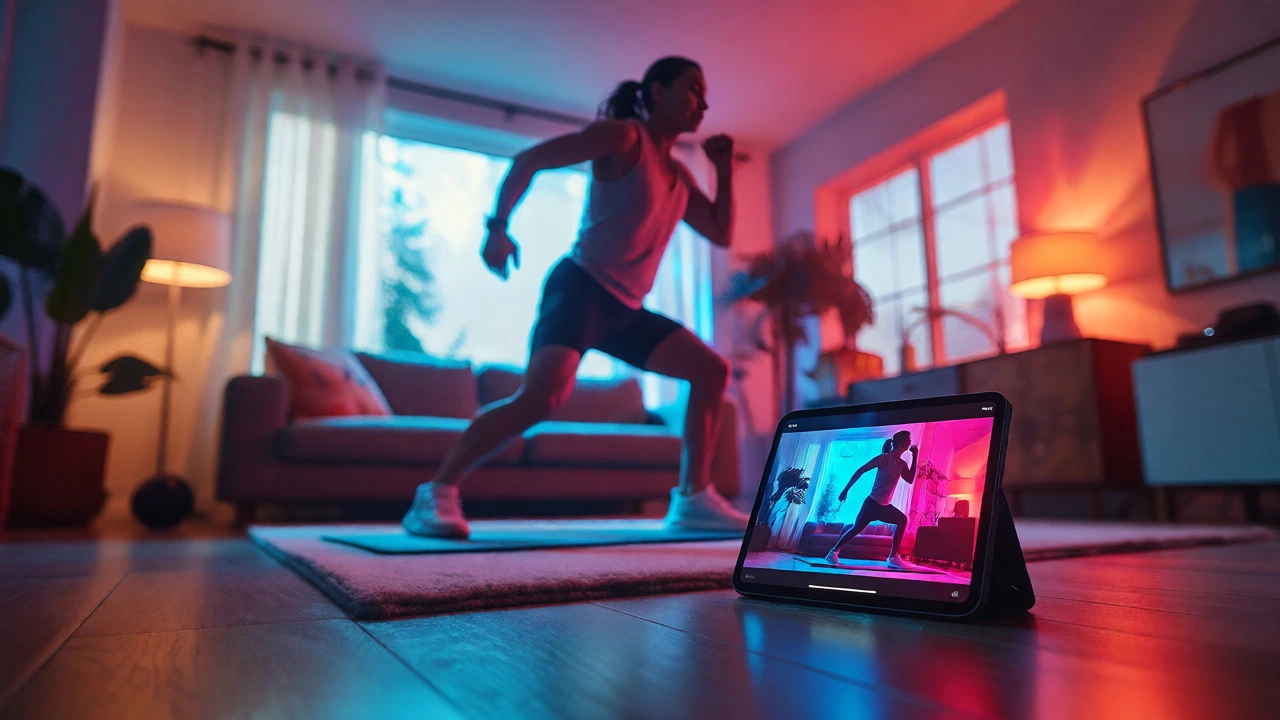
Is it worth the hassle of tracking a trial? That depends on what you value in a workout app. Apple Fitness+ isn't just videos; it's a data-driven experience. Unlike YouTube channels where you guess your intensity, Apple uses your biometric data to guide you.
| Feature | Apple Fitness+ | Free YouTube/Apps |
|---|---|---|
| Cost | $9.99/mo after trial | $0 |
| Hardware Needed | Apple Watch + iPhone/iPad/TV | Smartphone only |
| Data Integration | Real-time HR, Calories, Rings | Manual logging or none |
| Content Library | 100s of curated classes | Infinite, uncurated |
| Audio Sync | Trainer audio mixes with music | Static background music |
The standout feature here is the audio mixing. In many workouts, the trainer’s voice fades slightly when the beat drops, and rises when they give instructions. It feels less like a lecture and more like a DJ-led session. For high-intensity interval training (HIIT) or cycling, this keeps you engaged. However, if you just want someone to tell you what stretches to do while you check your email, a free YouTube video by Yoga With Adriene might serve you better.
Let’s say your free trial ended, and you don’t want to commit to the yearly fee. Is there a hack? Not really, but there are strategies.
First, consider the Apple One bundle. If you already pay for iCloud+, Apple Music, and Apple Arcade separately, bundling them into Apple One Premier saves money overall. While not "free," it reduces the effective cost of Fitness+ significantly. Sometimes, the bundle makes the marginal cost of adding Fitness+ negligible.
Second, keep an eye on promotional periods. During Black Friday or back-to-school seasons, Apple occasionally extends trials or offers discounted annual rates. These aren't common, but they happen. Checking the App Store promotions tab periodically can yield surprises.
Third, leverage the "Try Before You Buy" culture. Some third-party apps integrate with Apple Health but offer their own free tiers. For example, Nike Run Club is completely free and integrates seamlessly with Apple Watch. If your goal is running, you don't need Apple Fitness+. If your goal is yoga, Down Dog has a paid model, but many free alternatives exist. Identify which specific workout types you actually do. If you only run, skip the subscription entirely.
Why does Apple push these trials so hard? Because retention is key. Once you start closing those rings daily, breaking the habit is psychologically difficult. The gamification-seeing your streak grow-is powerful. Companies know that once you are invested in the visual feedback loop, you are less likely to cancel.
To avoid falling into this trap, test the service rigorously during the free month. Don't just do one workout. Try different genres: Strength, Core, Mindful Cooldown, Pilates. See if the trainers' styles match yours. Some people love the high-energy vibe; others find it grating. If you hate the format, cancel immediately. There is no shame in returning a product you didn't enjoy, especially when it was technically "free" to try.
If you decide Apple Fitness+ isn't for you, or you can't afford the watch required to access it, don't worry. The market is flooded with excellent free options.
These alternatives lack the tight integration with your Apple Watch rings, but they save you roughly $120 a year. For many people, that’s enough reason to stick with free tools.
Yes, absolutely. You must have an Apple Watch (Series 3 or later) paired with an iPhone, iPad, or Apple TV to subscribe and use the service. It does not work with Android watches or generic fitness trackers.
New subscribers typically get a one-month free trial. If you purchase a new Apple Watch, you may receive a three-month free trial as part of a promotion. Always check the specific terms displayed during checkout, as they can vary by region and time.
Yes, via Family Sharing. One subscriber can share their membership with up to five other family members. Each member needs their own Apple ID and Apple Watch, but they all access the service under one bill.
It depends on your preference for data integration. If you love seeing your heart rate and calories burn in real-time synced with the video, it's worth it. If you just want guided movement and don't care about metrics, free apps like Nike Training Club or YouTube videos are sufficient.
You retain access until the end of your current billing cycle. After that, you lose access to the video library, though your historical health data remains in the Apple Health app.