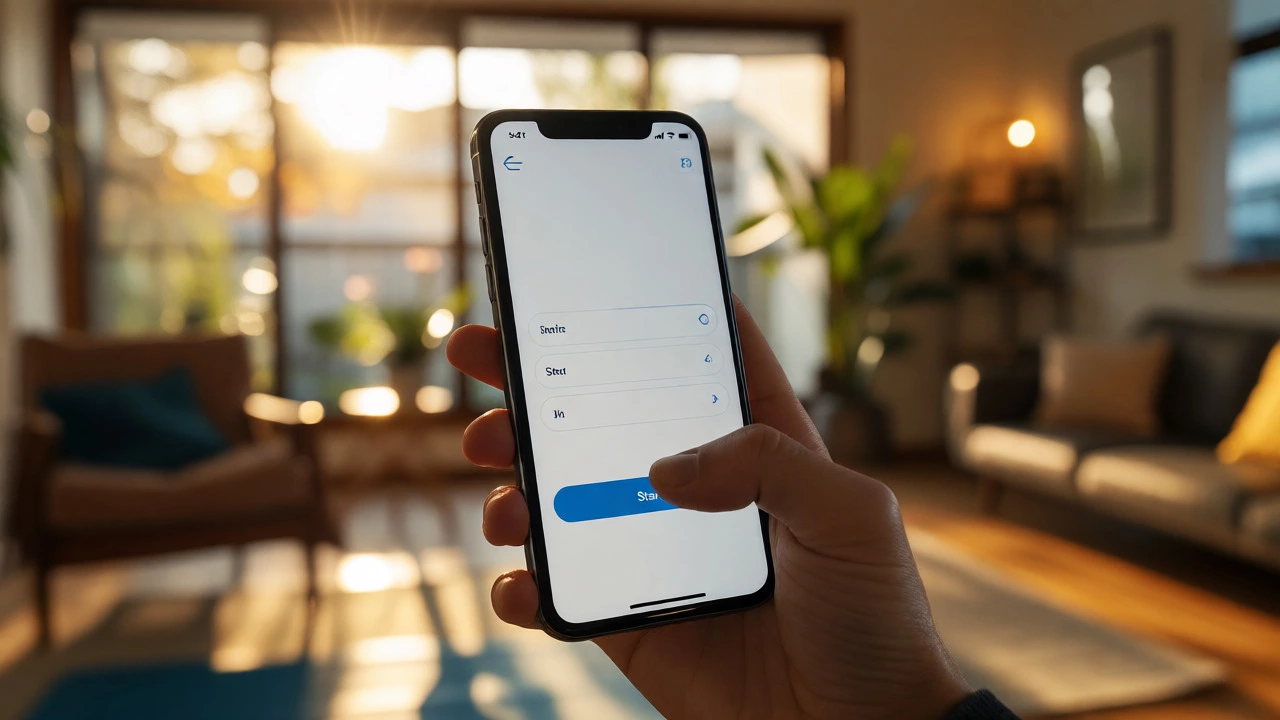
Answer three simple questions to find the app that gets out of your way so you can actually work out.
Description goes here.
Pro Tip: Start with the default program. Don't customize settings yet. Just hit play.
You download a fitness app because you want to get moving. You open it up, and suddenly you’re staring at a dashboard that looks like the cockpit of a spaceship. There are graphs, metrics, community feeds, and premium upgrade buttons flashing in your face. If you’ve ever felt paralyzed by choice or confused by an interface before you even started your first push-up, you aren’t alone. The easiest fitness app isn’t necessarily the one with the most features; it’s the one that gets out of your way so you can actually work out.
As someone who has tested dozens of these platforms from my home in Perth, I’ve learned that complexity is the enemy of consistency. When an app requires a tutorial just to start a timer, you’re less likely to use it on a busy Tuesday morning. This guide cuts through the noise. We aren’t looking for the "best" algorithm or the deepest data analytics. We are looking for simplicity, clarity, and friction-free design. Whether you need a simple timer for HIIT or a gentle nudge to go for a walk, here is how to find the right tool without getting overwhelmed.
Before we look at specific names, we need to agree on what makes an app easy. It’s not about dumbing down the science; it’s about reducing cognitive load. An easy app answers three questions instantly: What do I do next? How long does it take? Did I do it right?
If you have to navigate four menus to start a five-minute stretch routine, the app fails the ease test. True usability means:
Most beginners fail because they pick apps designed for data nerds. They buy into the promise of optimization but end up with analysis paralysis. Stick to tools that prioritize action over analytics until you build the habit.
Based on current trends in October 2026, a few apps consistently rank highest for user-friendliness. Note that interfaces change, but the core philosophy of these brands remains focused on accessibility.
| App Name | Best For | Free Version Quality | Setup Time | Complexity Level |
|---|---|---|---|---|
| Nike Training Club | General strength & cardio | Excellent (100% free) | Under 2 minutes | Low |
| 7 Minute Workout | Quick, no-equipment bursts | Good (ads present) | Instant | Very Low |
| Pocket Yoga | Mobility & stress relief | Limited (trial only) | 5 minutes | Medium |
| Strava | Walking & Running | Basic tracking | 3 minutes | Low-Medium |
| Hevy | Simple weight logging | Generous free tier | 5 minutes | Low |
If you want zero cost and high production value, Nike Training Club (NTC) is a comprehensive mobile application offering guided workouts ranging from yoga to high-intensity interval training. In recent years, Nike made their entire library free, which was a massive win for users tired of subscription fatigue. The interface is clean. You select a goal (Strength, Endurance, Mobility), choose a duration, and hit play. The videos are shot professionally, showing modifications for every level. You don’t need equipment for many routines, which removes another barrier to entry.
Why it’s easy: No paywalls hiding the good stuff. No confusing jargon. Just clear instructions from trainers who speak normally.
Sometimes "easy" means short. The 7 Minute Workout app is based on scientific research suggesting that brief, intense bursts of activity can yield significant health benefits. It uses a circuit format: 30 seconds of work, 10 seconds of rest. That’s it. You don’t plan anything. You don’t count reps manually; the timer does it for you.
This app is perfect if your biggest hurdle is time, not effort. It requires no equipment-just your bodyweight. The downside? It can feel repetitive after a few weeks, and the free version has ads. But for building the initial habit of showing up, it’s unbeatable.
If you prefer lifting weights but hate complex spreadsheets, Hevy is a minimalist workout tracker designed for iOS and Android that focuses on speed and social sharing. Unlike traditional apps that force you to create custom programs upfront, Hevy lets you log sets as you go. It remembers your last session’s weights automatically.
It’s easy because it adapts to you, not the other way around. You don’t need to be a programmer to set up a split. You just show up, lift, and tap the screen. The interface is dark mode by default, which saves battery and looks sleek.
Even the simplest app can feel complicated if you fall into these traps. Here is what usually goes wrong for beginners.
Over-Configuring: Many apps ask for your age, weight, height, gender, fitness level, and goals during onboarding. Spend no more than two minutes here. Pick defaults if you have to. You can adjust later. Spending twenty minutes tweaking settings is procrastination disguised as preparation.
Chasing Data: You might see heart rate variability, VO2 max estimates, or recovery scores. Ignore them initially. These metrics are useful for athletes optimizing performance, not for people trying to establish a baseline. Focus on binary outcomes: Did I move? Yes or No.
Subscription Shock: Some apps offer a 7-day trial that auto-renews at $14.99/month. Read the fine print. If you aren’t sure you’ll stick with it, choose a free alternative first. Financial stress adds friction to your fitness journey.
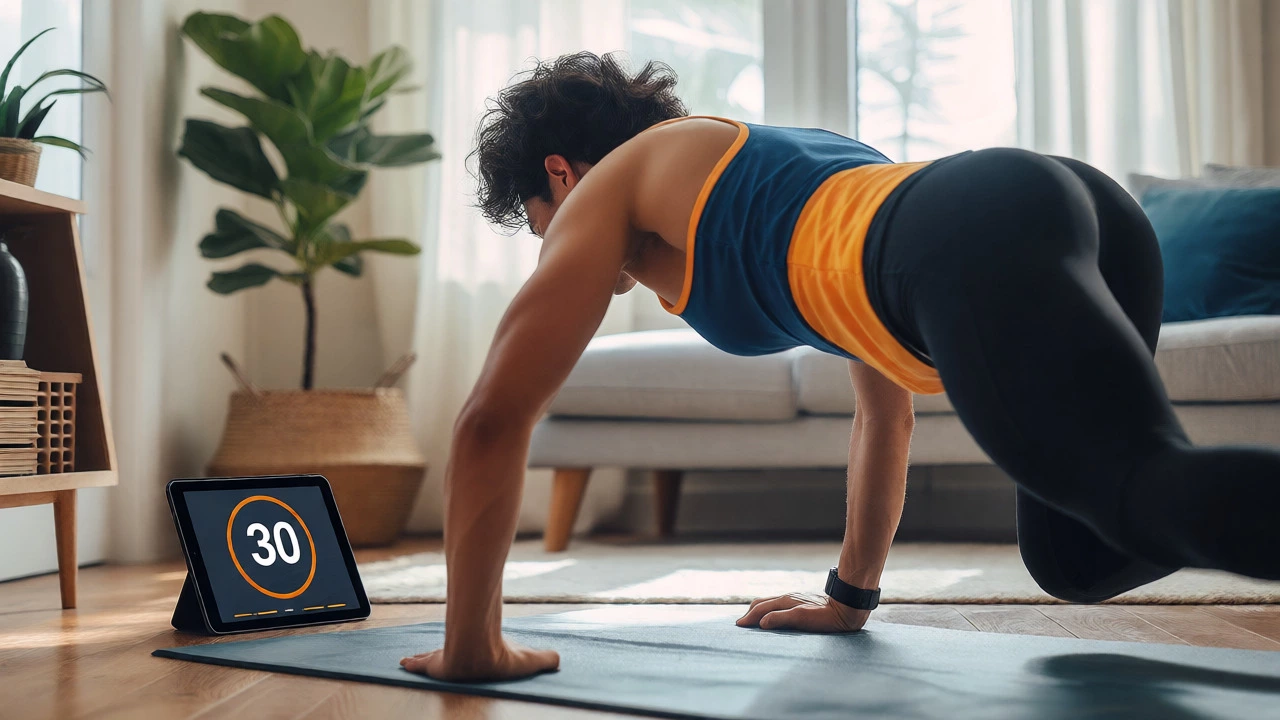
Not everyone works out the same way, so the easiest app depends on your psychological profile.
To ensure your chosen app stays "easy," follow these rules of thumb.
Start with the Default Program: Don’t try to build your own routine in week one. Use the pre-set plans. They are designed by experts to balance volume and intensity. Deviating early often leads to burnout or injury.
Use Widgets: Both iOS and Android allow you to place widgets on your home screen. Set up a widget for your app that shows your streak or today’s workout. This acts as a passive reminder, removing the step of opening the app to check what’s next.
Pair with One Physical Tool: If you use a tracking app, pair it with a cheap smartwatch or band if possible. Automatic syncing reduces manual data entry errors. If you don’t have a wearable, keep a small notebook nearby. Sometimes pen and paper are easier than fighting with a touchscreen while sweating.
Limit Notifications: Turn off all non-essential alerts. You don’t need to know when a friend liked your run. You only need reminders for scheduled workouts. Too many pings lead to notification fatigue, causing you to ignore the app entirely.

Let’s say you decide to try Nike Training Club. Here is how a realistic first week looks without overcomplicating things.
Notice there is no mention of calorie counting, macro tracking, or heart rate zones. The goal is neural adaptation to the habit loop: Cue (app icon) -> Routine (workout) -> Reward (completion streak). Once this loop is solid, you can add complexity.
You shouldn’t stay on the easiest app forever. You should switch when you hit a plateau or boredom. Signs it’s time to upgrade include:
At that point, apps like Strong, JEFIT, or Zwift (for cycling) become relevant. They offer more control but require more mental energy. Wait until you crave that structure.
For beginners, free is often better because it lowers the risk. If you quit in two weeks, you haven’t lost money. Paid apps usually offer advanced analytics or personalized coaching, which are unnecessary in the first six months. Start free, prove consistency, then invest.
No. Most apps work perfectly with just your phone. Smartwatches add convenience for heart rate monitoring and hands-free tracking, but they are not required for basic functionality. Don’t let gadget acquisition delay your start date.
Don’t panic. Most apps allow you to edit past entries. Simply add the workout retroactively. If you miss a day, just resume the next day. Avoid the "all-or-nothing" mentality. Missing one day doesn’t ruin your progress; quitting does.
Yes, absolutely. Channels like Growwithjo or Pamela Reif offer excellent free content. However, apps provide better organization, streak tracking, and curated playlists. If you struggle with decision fatigue (spending 10 minutes choosing a video), an app’s structured library is easier.
Remember that the app doesn’t judge you. It doesn’t care if you did the workout poorly or took a break halfway through. Adjust the difficulty settings to the lowest level. Celebrate small wins. Consistency beats perfection every time.