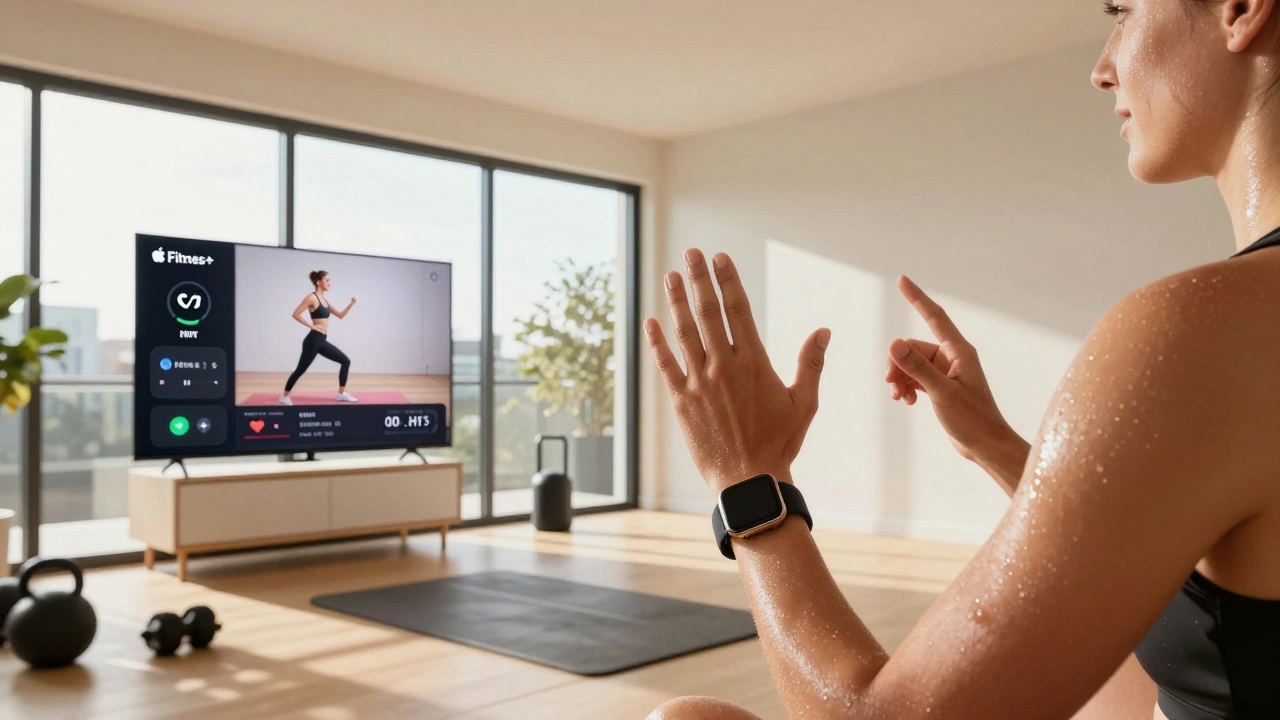
Calculate how much Apple Fitness+ costs per person when shared with family members. Based on the $12.99 AUD monthly rate in Australia.
Total cost: $12.99
Cost per person: $12.99
With this plan, you get access to over 20,000 on-demand workouts with Apple Watch metrics.
| Service | Monthly Cost |
|---|---|
| Apple Fitness+ (Individual) | $12.99 |
| Apple Fitness+ (Family) | $2.20/person |
| Peloton Digital | $14.99 |
| Nike Training Club | Free |
| Fitbit Premium | $9.99 |
*Based on 6 users sharing one subscription
Note: Apple Fitness+ costs $12.99 per month in Australia. With Family Sharing, you can share with up to 5 other people at no extra cost. If you're the primary account holder, your monthly cost remains $12.99, but the effective cost per person drops significantly.
Apple Fitness+ isn’t free. It’s a paid service that lives inside the Fitness app on your iPhone, Apple Watch, iPad, or Apple TV. If you’re wondering how much it costs to use Apple Fitness+ every month, the answer is simple: Apple Fitness+ costs $12.99 per month in Australia. That’s the standard rate for individuals, and it’s been the same since 2021. No hidden fees. No trial trickery. Just a flat monthly price for access to hundreds of guided workouts.
For less than the cost of a coffee a day, you get more than 20,000 on-demand workouts. These aren’t just videos - they’re professionally produced sessions led by real trainers, synced to your Apple Watch. Your heart rate, calories burned, and even your effort level show up on screen as you go. That’s the big difference between Apple Fitness+ and YouTube fitness videos. It’s personalized. It adapts to you.
You’ll find classes in every style: HIIT, yoga, strength, cycling, rowing, dance, treadmill, core, and even mindful cooldowns. New workouts drop every week. Some are 5 minutes long. Others are 45. There’s something for every schedule. And if you’ve got an Apple Watch Series 3 or newer, it’ll track your metrics live. No extra gear needed.
Here’s where it gets even better. Apple Fitness+ lets you share your subscription with up to five other people in your Family Sharing group. That means if you pay $12.99, your partner, kids, or parents can all use it too. No extra cost. No separate logins. Just one subscription, six people. That cuts the real cost per person to under $2.20 a month if you’ve got five others using it. It’s one of the best value deals in fitness tech right now.
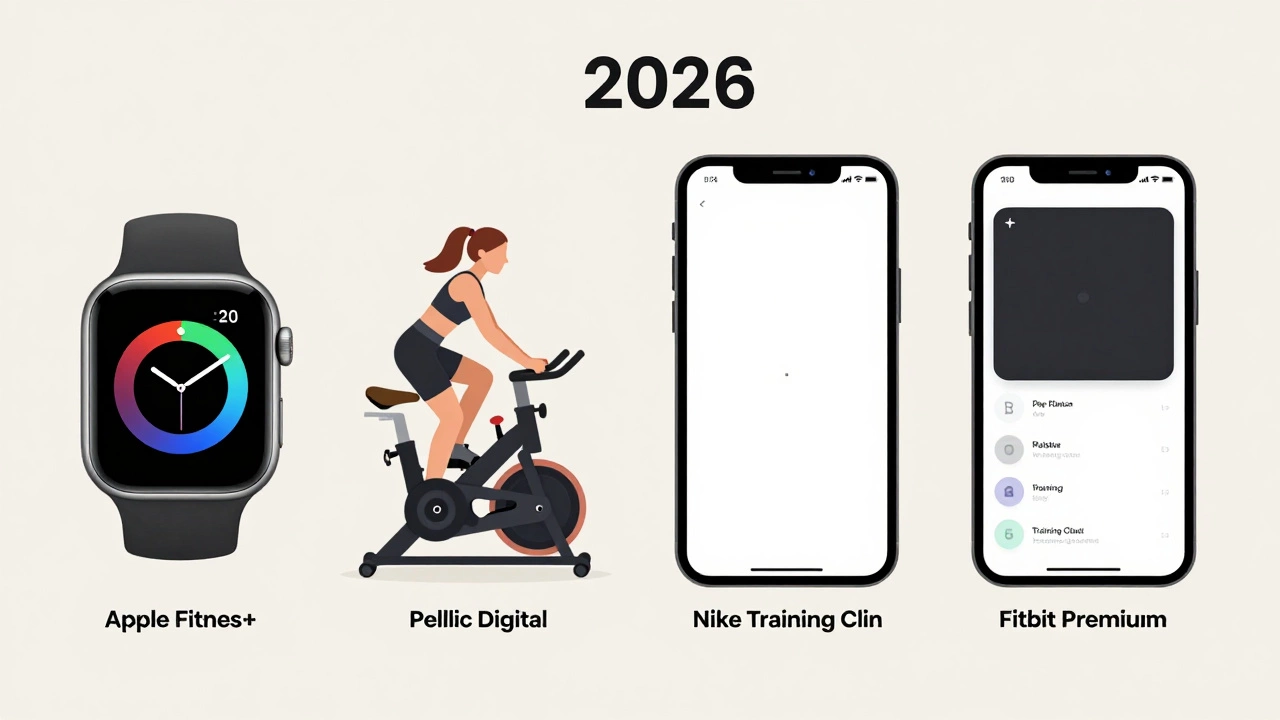
Let’s say you’re comparing Apple Fitness+ to Peloton Digital, Nike Training Club, or Fitbit Premium. Peloton Digital costs $14.99 a month - and that’s just for the app, not the bike. Nike Training Club is free, but it’s got way fewer guided sessions and zero live metrics. Fitbit Premium is $9.99, but it doesn’t sync with Apple Watch. Apple Fitness+ wins because it’s built into the ecosystem. If you already own an Apple Watch, it’s the only app that gives you real-time feedback without needing a third-party device.
| Service | Monthly Cost | Apple Watch Sync? | Family Sharing? | Workout Types |
|---|---|---|---|---|
| Apple Fitness+ | $12.99 | Yes | Yes (up to 5) | 20+ including HIIT, yoga, strength |
| Peloton Digital | $14.99 | Partial | No | 10+ (mostly cycling, treadmill) |
| Nike Training Club | Free | No | Yes | 15+ (bodyweight focus) |
| Fitbit Premium | $9.99 | No | Yes | 10+ (limited video coaching) |
| Apple Fitness+ (with Family) | $2.20/person* | Yes | Yes | 20+ |
*Based on 6 users sharing one subscription
Apple still offers a free one-month trial for new users. You’ll get full access to every workout, every trainer, every feature. But here’s the catch: you can only use it once. If you cancel before the trial ends, you won’t get another chance later. That’s why it’s smart to use it actively. Try three different workouts in the first week. See if the metrics feel useful. Test a yoga session and a HIIT class back-to-back. If you’re already using an Apple Watch, this trial is basically risk-free.

Canceling Apple Fitness+ is easy. Go to Settings > [Your Name] > Subscriptions > Apple Fitness+. Tap Cancel. You’ll keep access until the end of your billing cycle. No penalty. No hassle. But once that cycle ends, you lose everything. All your progress, saved workouts, and leaderboards vanish. There’s no way to download or export them. It’s like renting a movie - you can’t keep it after the rental ends.
If you own an Apple Watch and you’re looking for a reason to move every day, Apple Fitness+ is one of the most effective tools you can get. It doesn’t just track your movement - it motivates you. The trainers are energetic but not pushy. The music is curated. The lighting in the studios looks like a boutique gym. It feels premium because it is.
For people in Perth, Sydney, or Melbourne who don’t want to pay for a gym membership, Apple Fitness+ is a full replacement. No commute. No cancellation fees. Just press play and go. Even if you only do 20 minutes three times a week, you’re getting your money’s worth.
The price doesn’t change based on where you live in Australia. Whether you’re in Perth, Cairns, or Hobart, it’s $12.99 AUD. You’ll see it in the Fitness app when you tap the Fitness+ tab. Or in the App Store under your subscription history. Apple doesn’t run regional discounts. No student pricing. No seasonal sales. It’s always the same. That’s why it’s worth locking in if you’re thinking about it - prices rarely drop.
Apple Fitness+ isn’t for everyone. If you don’t own an Apple Watch, the experience is flat. You’ll still see the videos, but you won’t get your heart rate, calories, or effort metrics on screen. That’s half the point. If you’re on a tight budget and don’t use your Apple Watch regularly, skip it. There are free alternatives. But if you wear your watch every day - even just to check the time - this service makes sense.
You don’t need to sign up with a credit card right away. The trial starts immediately. You’ll get an email reminder three days before it ends. If you don’t cancel, you’ll be charged $12.99. Simple.
It depends. If you enjoy going to the gym, Apple Fitness+ can still add value. It’s great for days you’re short on time, traveling, or just want to skip the commute. Many users treat it as a backup - not a replacement. The convenience of doing a 10-minute core workout in your living room while waiting for coffee is hard to beat.
Yes, but you’ll miss the core experience. You can watch workouts on iPhone, iPad, or Apple TV, but you won’t see your heart rate, calories, or effort level on screen. The app won’t auto-pause if you stop moving. It becomes just another fitness video app - and there are plenty of free ones. The value is in the integration with the Apple Watch.
No. You can use Apple Fitness+ on Apple TV, iPad, or even Mac (with watch syncing). But you need an Apple Watch to get the full tracking experience. The iPhone is only needed to set up the subscription and manage your account - not to use the workouts.
No. Apple doesn’t offer a pause option. If you don’t want to pay for a month, you have to cancel and restart later. That means you’ll lose your free trial eligibility if you re-subscribe. Plan ahead. If you know you’ll be away for a few weeks, cancel before the next billing date.
Yes. You can download any workout to watch offline. Just tap the download icon next to the video. It’ll save to your device and play without Wi-Fi or cellular data. This is great for flights, road trips, or areas with poor signal. Downloads stay on your device until you delete them or your subscription ends.
Apple Fitness+ isn’t the cheapest fitness app. But it’s one of the most seamless. If you wear an Apple Watch every day, you’re already collecting data. Why not use it? The $12.99 monthly fee buys you more than workouts - it buys consistency. It turns movement into a habit, not a chore. And in 2026, that’s worth more than the price tag.